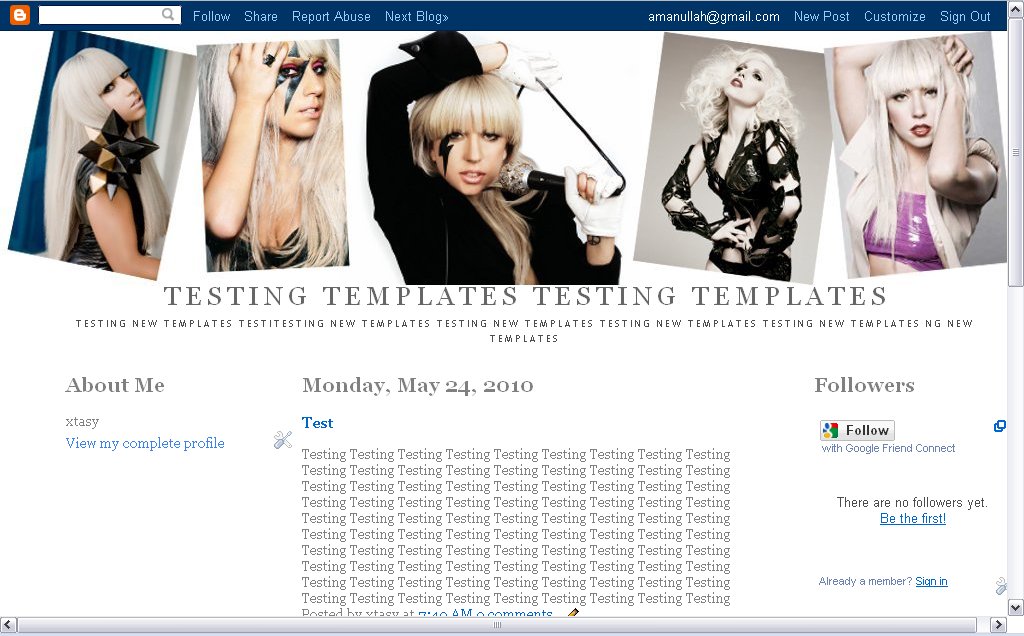
Get 3 Column Template
In our earlier article, Add Music to Blogspot Blog, we talked about how music can be played in the background of the blog or through a hyperlink or music console player. Readers had requested for an option to play more than one song via a playlist. We have been looking at cross-browser music players that allow us to display a music playlist of selected musical pieces for Blog readers to listen
We share with you what we have been doing to improve the page loading time of our Blog. If a web page takes too long a time to load, the readers will simply hop on to another site. Making it load quickly also saves the dial-up internet users' money and time. While it is true that the download time depends on the readers' internet connection speed, we can as Blog owners tweak our layout and
This article is updated to address the difference in the way the code is interpreted by the different browsers, namely Internet Explorer and Mozilla Firefox. We have also included a sample music file which you can use to test the effects of adding the sound file to your Blog. As well, read our article on Flash Music Player and Music Playlists to add a playlist of several musical pieces or songs.
This article is updated to address the difference in the way the code is interpreted by the different browsers, namely Internet Explorer and Mozilla Firefox. We have also included a sample music file which you can use to test the effects of adding the sound file to your Blog. As well, read our article on Flash Music Player and Music Playlists to add a playlist of several musical pieces or songs.
If you are looking to have a Favicon (icon next to your URL) or music on your blog, you will need to upload the files onto a web host. Most bloggers do not register and pay for a .com site. Fortunately for us, there are many sites offering free hosting of your files, documents, photos, and so on. I shall cover 2 very useful free web hosts which you can consider using – Google Page Creator and